
Paper has always had one advantage over screens: you can scribble on it.
Jotting down a number, crossing something out, writing a half-finished thought – that's how most children actually work through a problem. On a screen, there's nowhere for any of that to go.
Until now...
What is the scratchpad?
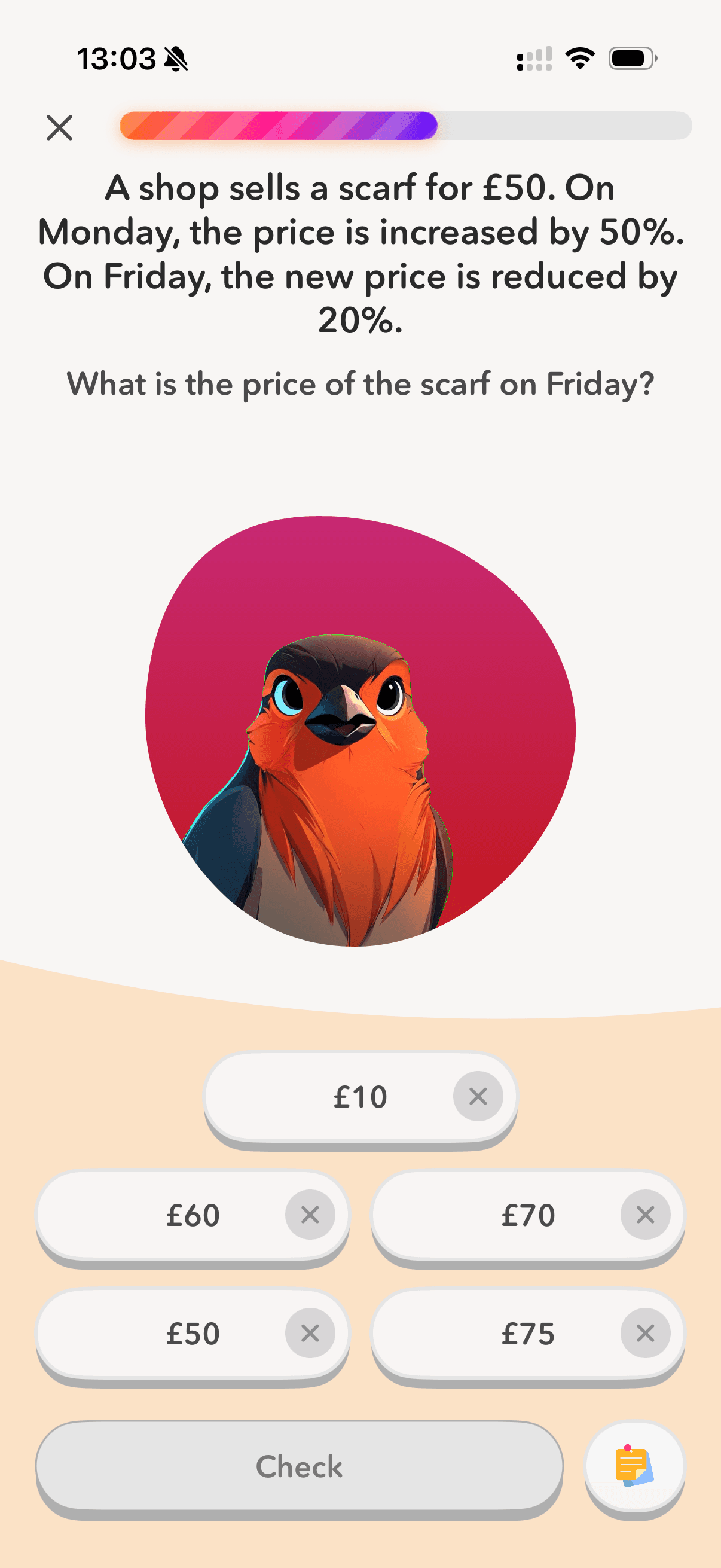
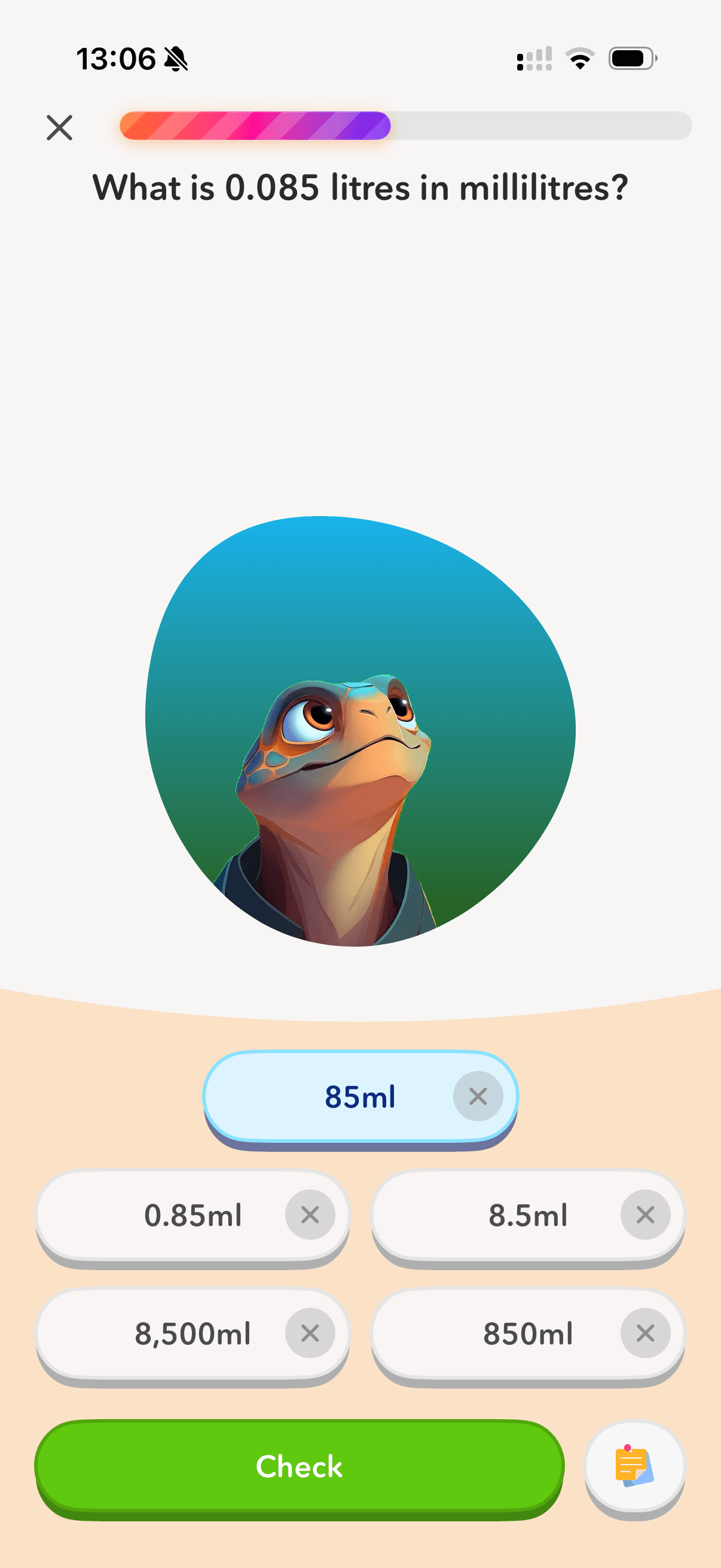
The scratchpad is a notes area that appears on every question in HeyKitsu. Children can use it to jot down working, write out steps or think through a problem before committing to an answer.
It autosaves automatically, so if they leave and come back, their notes are still there.
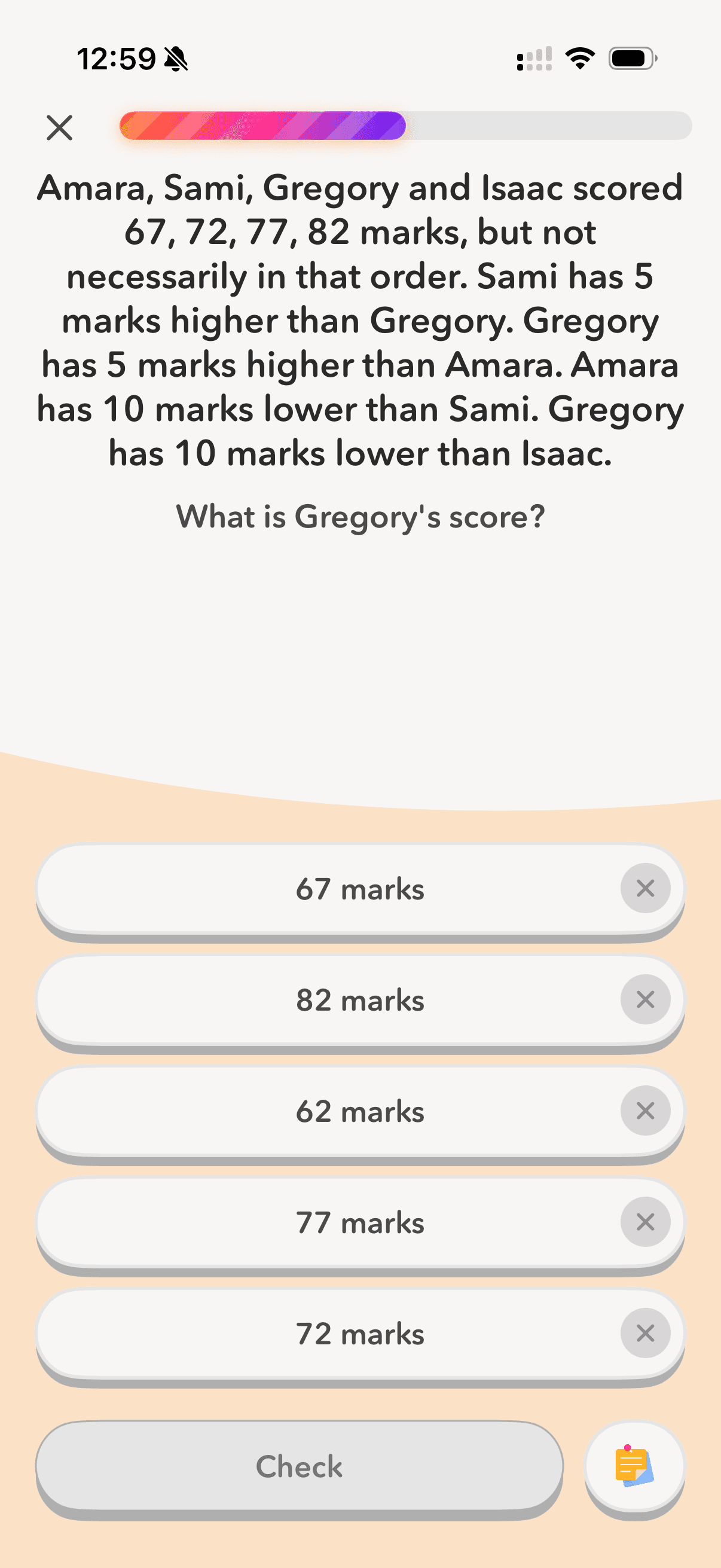
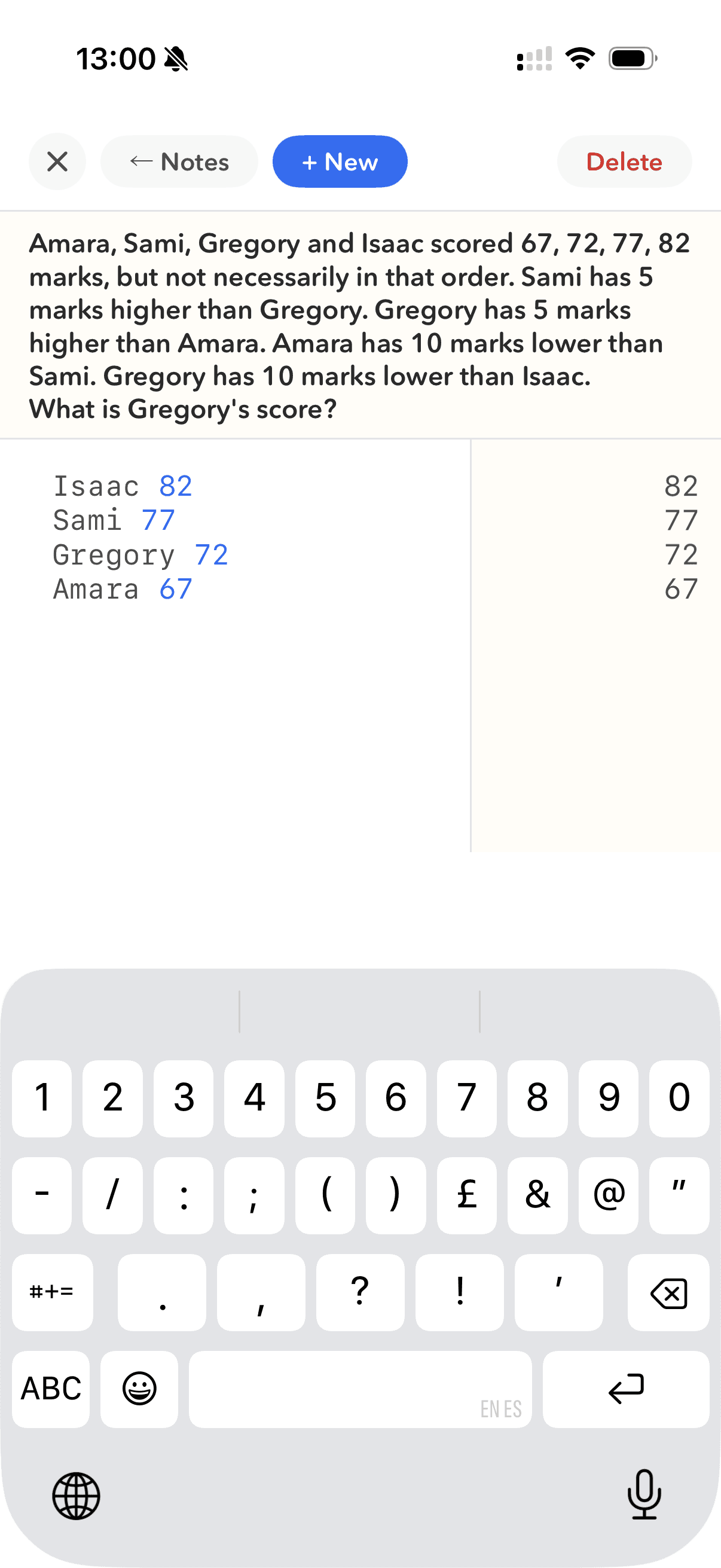
It can also double as a calculator
It's also got one nifty feature that makes it much more powerful than a scrap of paper...
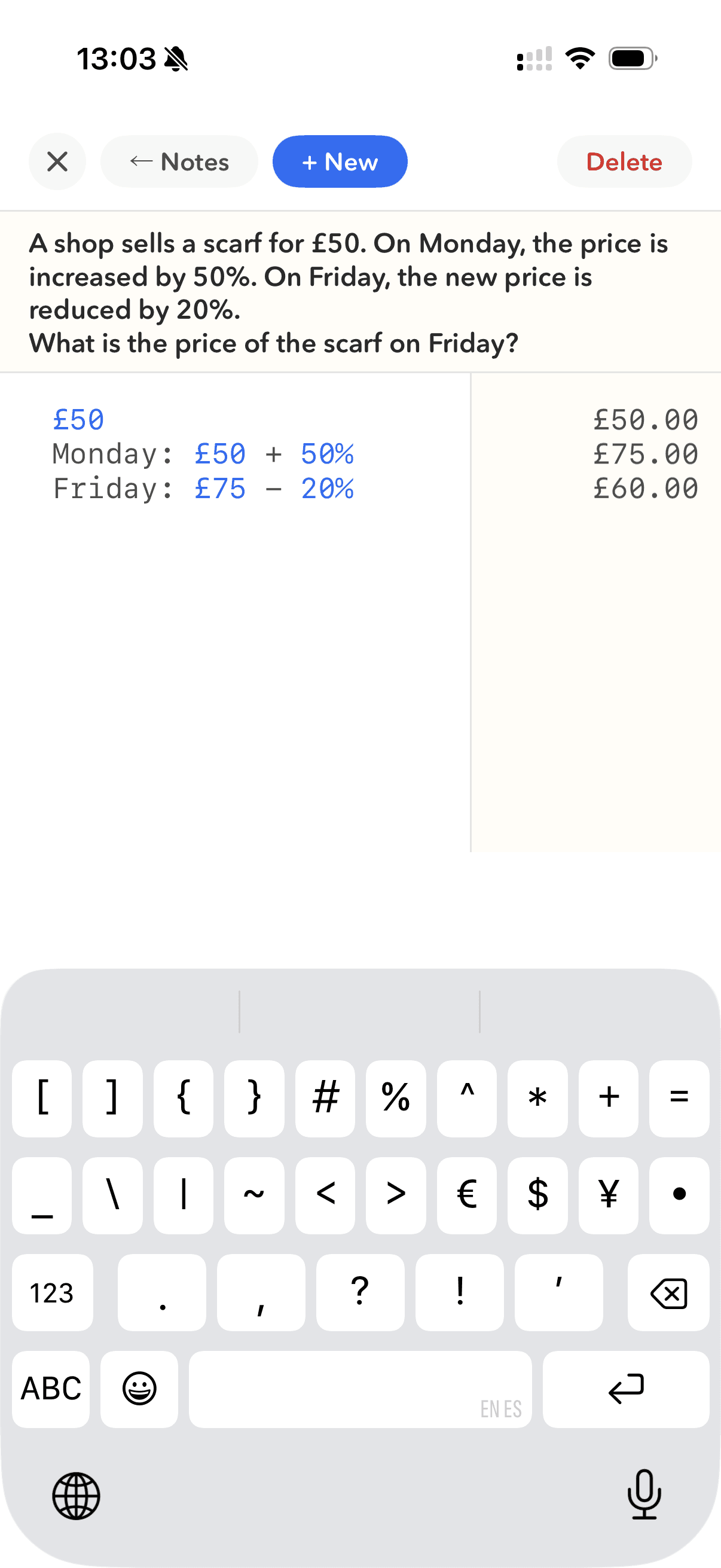
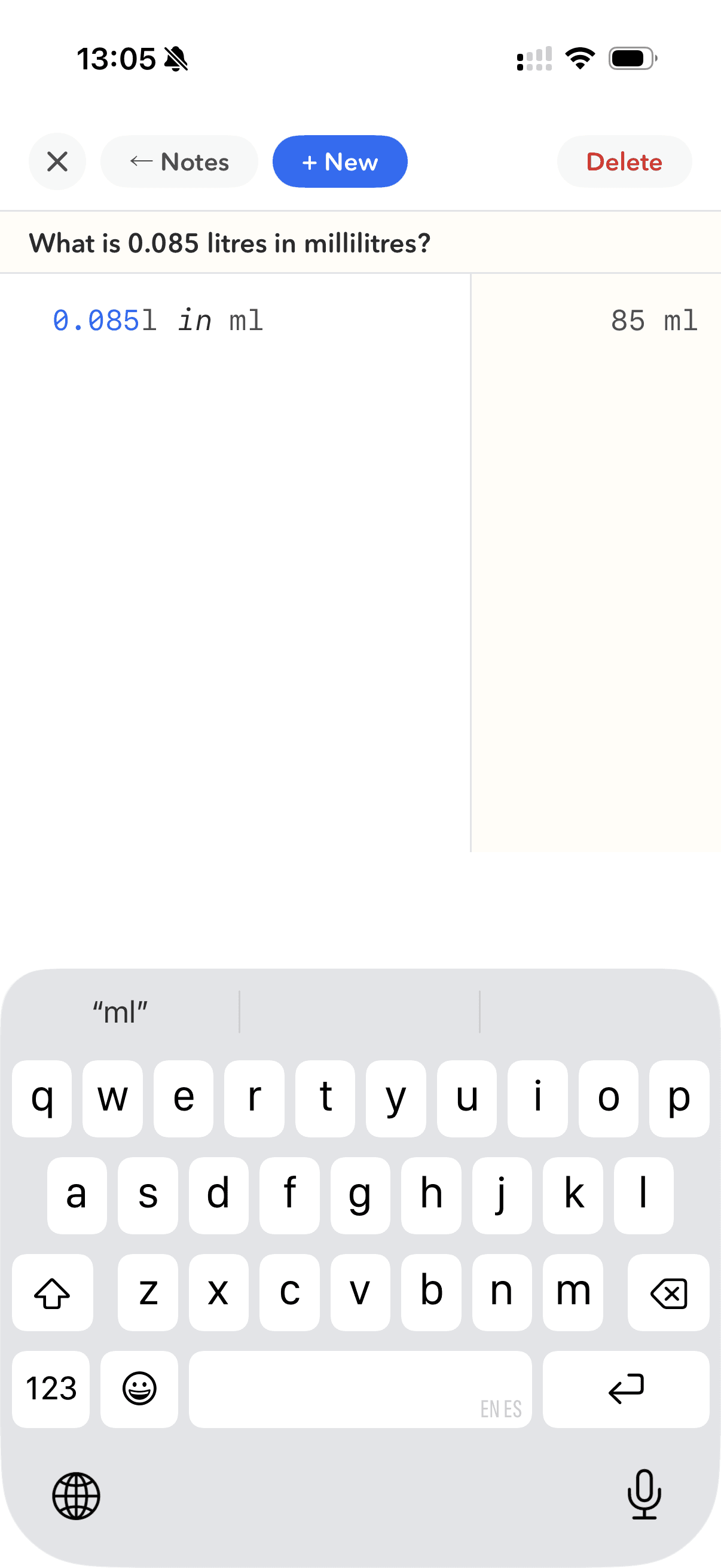
The scratchpad understands maths. Type Apples = 12, then Oranges = 14, then Apples + Oranges... and it works it out on the right-hand side as you type. You can name variables, chain results and write in natural language rather than pressing buttons.
It handles unit conversions too. Write 120 seconds in hours and it returns 0.0333 hours. No app-switching, no mental arithmetic on top of mental arithmetic.
Why this matters for 11+ prep
The 11+ is a paper-based, non-calculator exam. We're not trying to replicate that here – we're trying to help children understand the maths well enough that they don't need a calculator on the day.
The scratchpad is a thinking tool, not a shortcut. It gives children somewhere to slow down, work through steps and check their own reasoning before they commit to an answer.
A note for parents
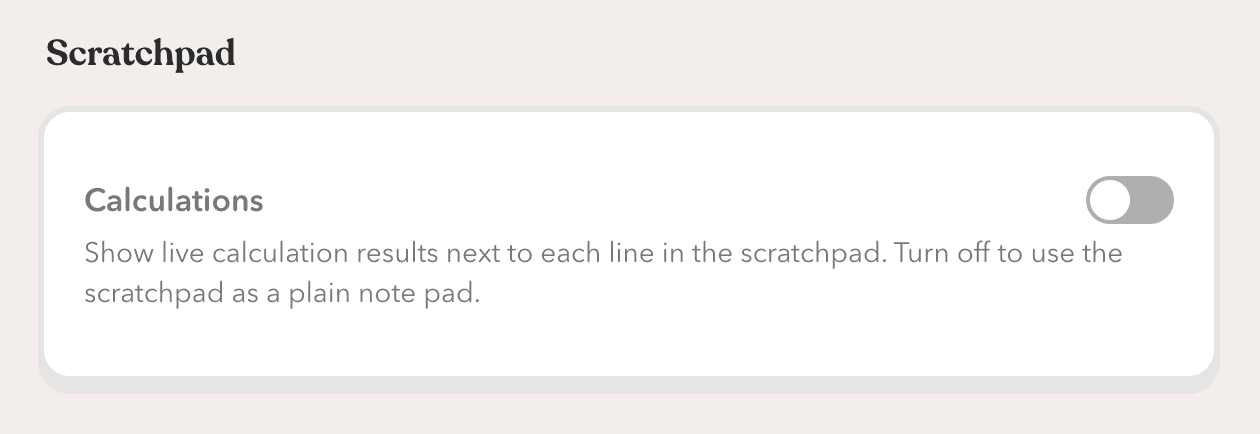
If you'd prefer your child to use the scratchpad as a plain notepad – without the live calculations – you can turn that off in settings. Head to More → Settings → Scratchpad and toggle off "Calculations".
We'd recommend leaving it on for most children. The calculator is useful for checking working rather than doing it — and knowing whether you've made an arithmetic slip is a useful skill.
The scratchpad is live now for all users, free and paid. No update needed — it's already there.
Stephen ❤️

Adaptive practice that knows your child
HeyKitsu adapts every session to your child's level — building confidence on what they find tricky and stretching them where they're strong.